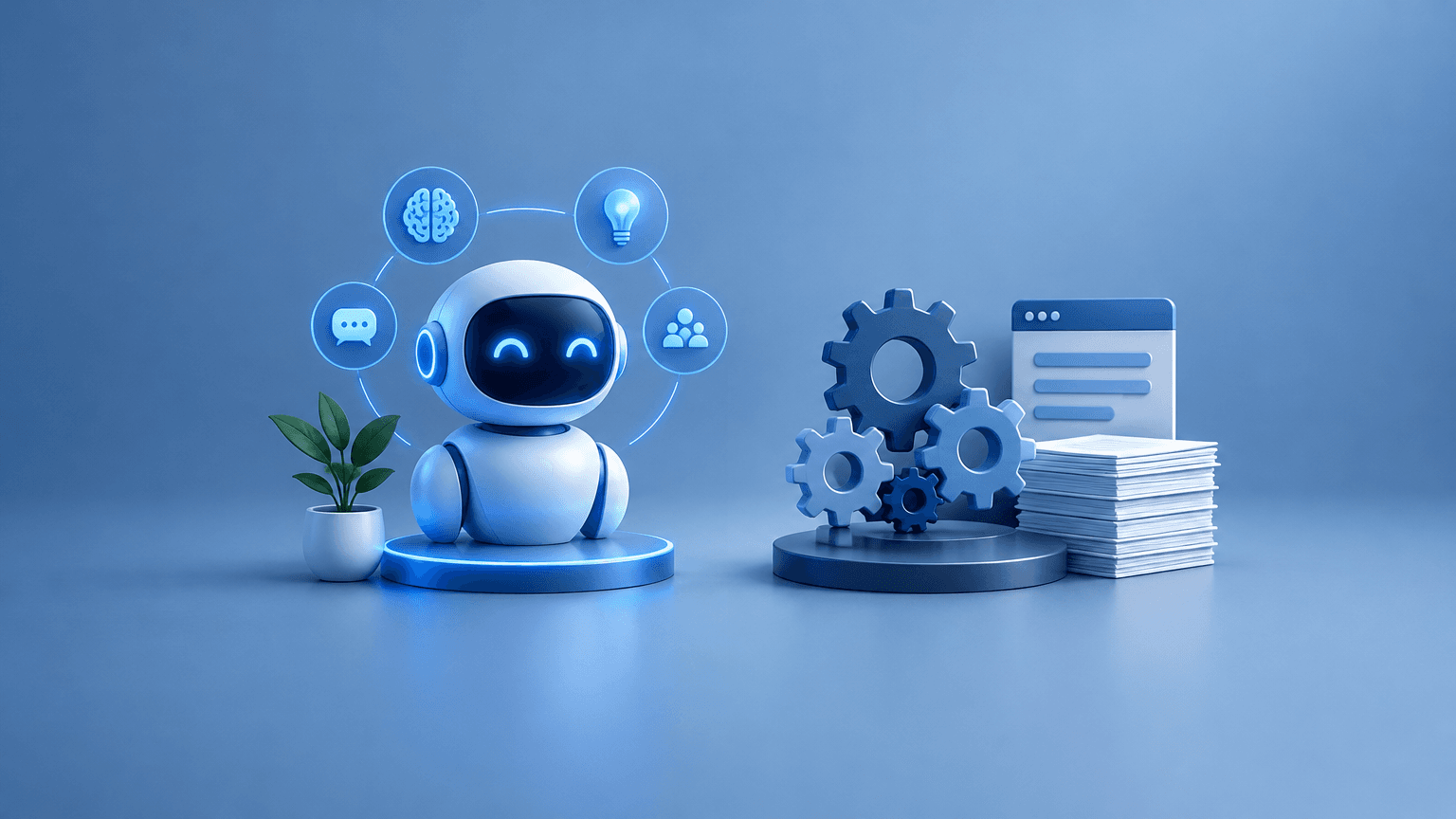
The difference between traditional LinkedIn automation and an AI agent is less about whether AI is involved and more about who decides what happens next. One follows instructions you set in advance; the other may interpret context and choose a next step. Knowing which you’re using helps you set sensible limits and keep outreach personal.
Traditional automation follows a preset path
Traditional automation is built around defined triggers and actions. If a prospect is added to a list, a sequence might wait a set number of days, send a connection request, and then send a follow-up if a condition is met. The path is planned before it runs.
That predictability can be useful. A repeatable process makes it easier to see what will happen and where a task sits. It can help with reminders, list organization, or making sure a follow-up does not disappear from view.
But a preset path usually knows only what its rules tell it. It may not understand that someone has changed roles, replied with a question, or posted an update that makes your original message feel out of date. If the workflow does not have a rule for that situation, it will keep going as designed—or stop without helping you decide what to do.
For example, a simple sequence might prompt you to follow up three days after a connection is accepted. That timing is consistent, but it does not tell you whether the person’s reply deserves a direct answer, a pause, or no further outreach.
An AI agent can interpret context and choose actions
An AI agent generally combines a model’s ability to interpret information with instructions, available tools, and some capacity to take action. Instead of following one fixed sequence, it may assess the current context and select from possible next steps.
In an outreach workflow, that could mean reviewing a recent exchange and suggesting whether to answer a question, share a relevant resource, or wait. The important distinction is that the system is making a choice based on its interpretation—not simply matching a trigger to a prewritten action.
The term agent is used loosely, though. A feature that drafts a message from a prompt is not necessarily an agent. Neither is a fixed sequence with an AI-written sentence inserted into it. To understand what a product actually does, ask:
- Does it only create or organize information, or can it take action?
- Does it choose between possible next steps, or follow a fixed sequence?
- What context can it use, and what happens when that context is unclear?
- Can a person review the suggested action before it happens?
These questions are more useful than a product label. Two tools described as agents may have very different levels of autonomy, while a well-designed workflow can use AI without acting autonomously at all.
More autonomy means more need for boundaries
A system that can interpret context may handle variation better than a rigid sequence. It may also misunderstand a short reply, infer interest where there is none, or produce wording that sounds unlike you. Adding the ability to act can make mistakes more consequential.
That is why it helps to separate recommendation from execution. Let a tool gather context, summarize an exchange, or prepare a draft; keep a person responsible for deciding whether the message is appropriate and when to send it. This is especially useful when the conversation is new, the prospect has raised a concern, or the next step could affect trust.
Before using any automation in a LinkedIn workflow, check how it operates and whether its use fits the platform’s current rules and your own standards. Avoid assuming that a feature is appropriate simply because it is available. In particular, be careful with systems that act on a person’s behalf without a clear review step or make it hard to see what they will do.
A practical boundary is to automate the administrative work first: keeping a focused prospect list, recording useful context, and reminding yourself to follow up. Treat messages and relationship decisions as work that needs judgment. The closer an action gets to speaking for you, the more valuable a deliberate review becomes.
Choose the least autonomous tool that solves the problem
The right choice depends on the task. If the process is stable and the desired action is clear, a preset reminder or checklist may be enough. If the task involves weighing changing context, AI may help organize information or prepare options. If a tool is expected to make decisions and act, be clear about the boundaries and review points before relying on it.
A simple way to decide is to write down the task in one sentence, then ask what could go wrong if the system gets it wrong. A reminder that arrives at an imperfect time is easy to correct. A message sent after someone has already replied needs more care. Use more autonomy only when the task and its failure modes are well understood.
For many people, a useful middle ground is not a fully autonomous agent. It is a clear workflow that keeps prospect details and conversation context together, helps prepare a personal message, and leaves the choice to send or follow up with the person doing the outreach. Leadupio is built around that kind of organized, focused work: maintain context across follow-ups and move useful details into a wider workflow without treating every interaction as a sequence to run automatically.
The practical distinction is simple: traditional automation carries out a path you define; an AI agent may choose a path based on its interpretation. Neither is automatically better. Start with the task, keep the person accountable for relationship decisions, and use the least autonomy that makes the work clearer.